

Creating visual content is becoming increasingly important. This includes social media, but also other communication tools such as infographics, newsletters, whitepapers, and vlogs. Research has shown that 90% of the information sent to the brain is visual. It stands out and creates more engagement with your target audience. In this blog post, you’ll find 5 tools for creating and sharing visual content.

Canva
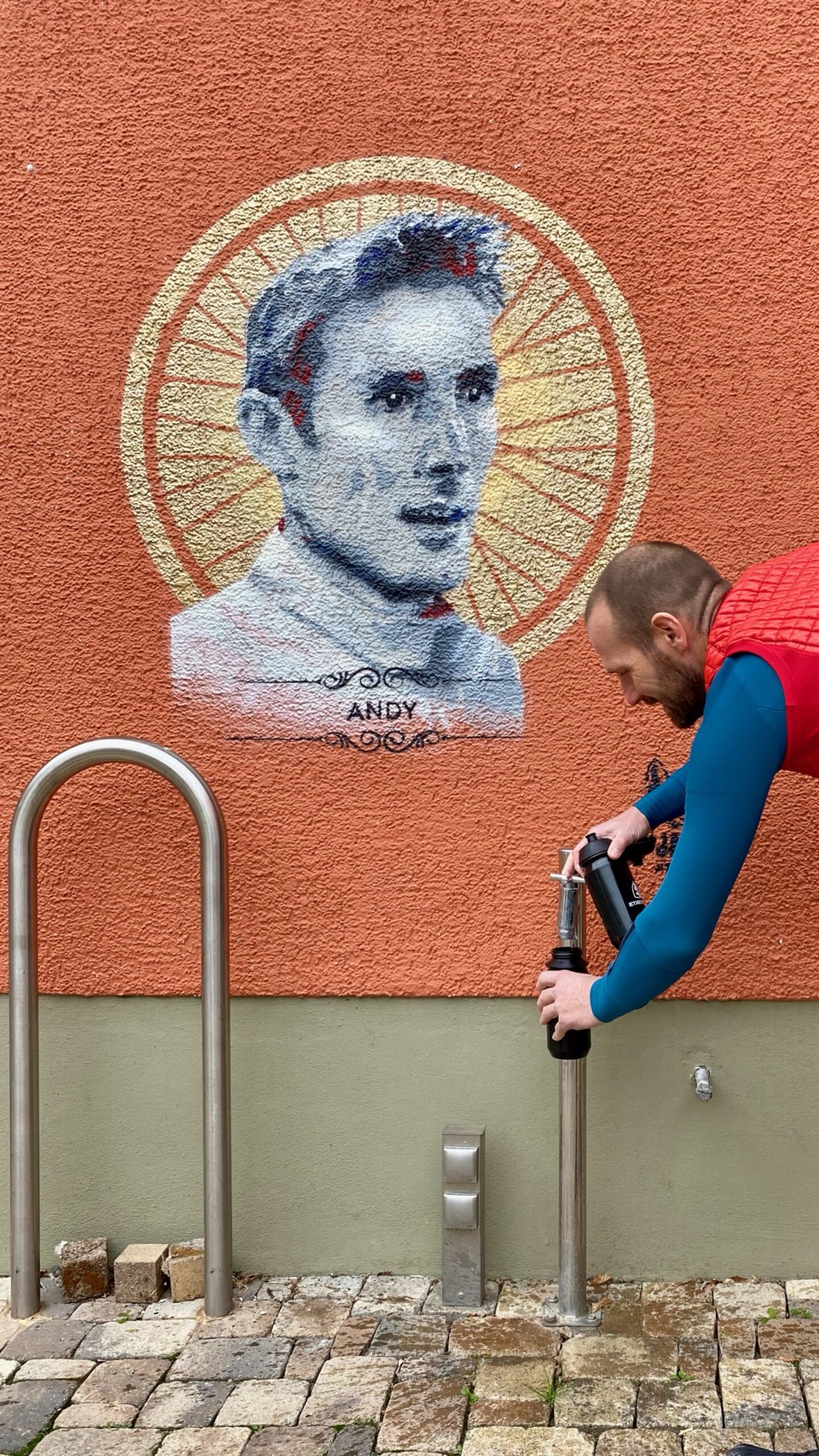
Canva Canva is one of the most well-known design tools. This is because you can do everything with this program. From editing photos to creating infographics and from making GIFs to giving presentations. If you use the free version, the program offers fewer options. You do get access to some of the templates, icons and photos. Additionally, you can upload your own icons and photos. You can use Canva on your laptop or install the app on your mobile device.
Vimeo
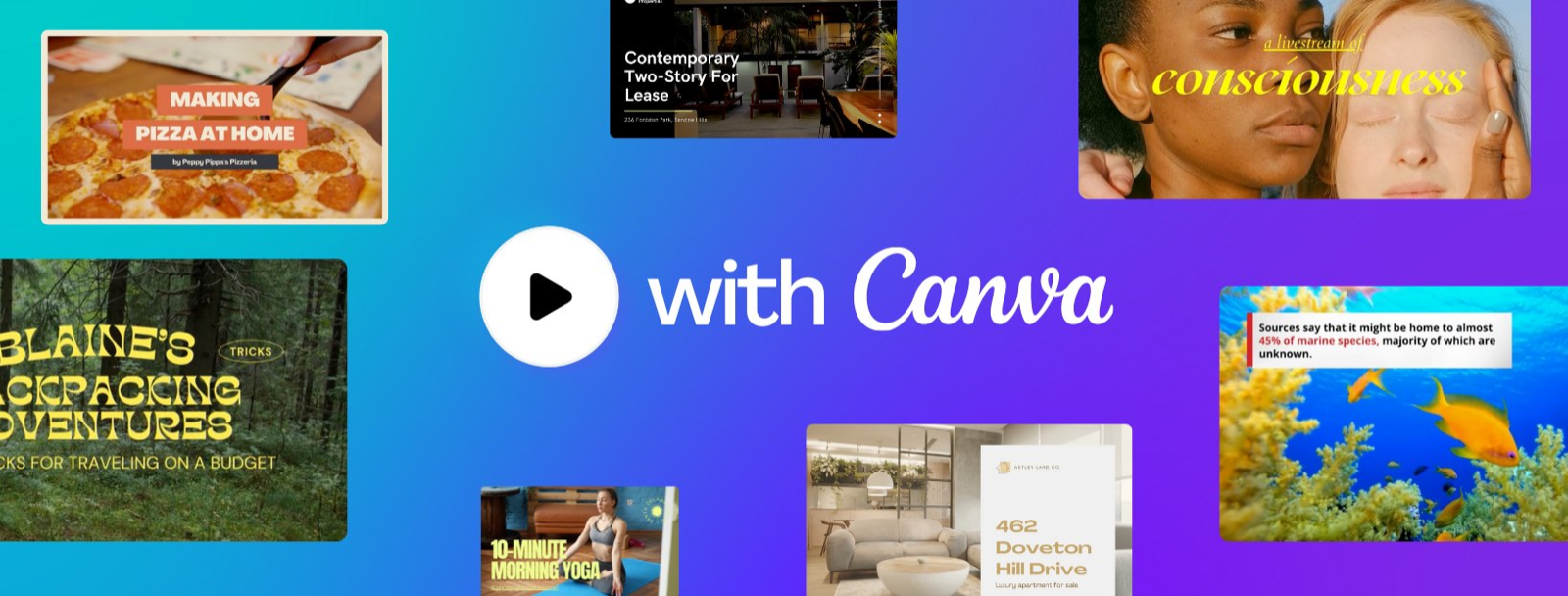
Has your company recently produced a corporate video? Then publish it on your website using the tool. Vimeo. This is like YouTube, a video platform where you can upload and share videos for free. But a big advantage of Vimeo is that website visitors don’t see any video suggestions. They also don’t see any ads. Very user-friendly, so! With the free subscription, you can upload up to 25GB per year and view the most important video statistics.
Giphy
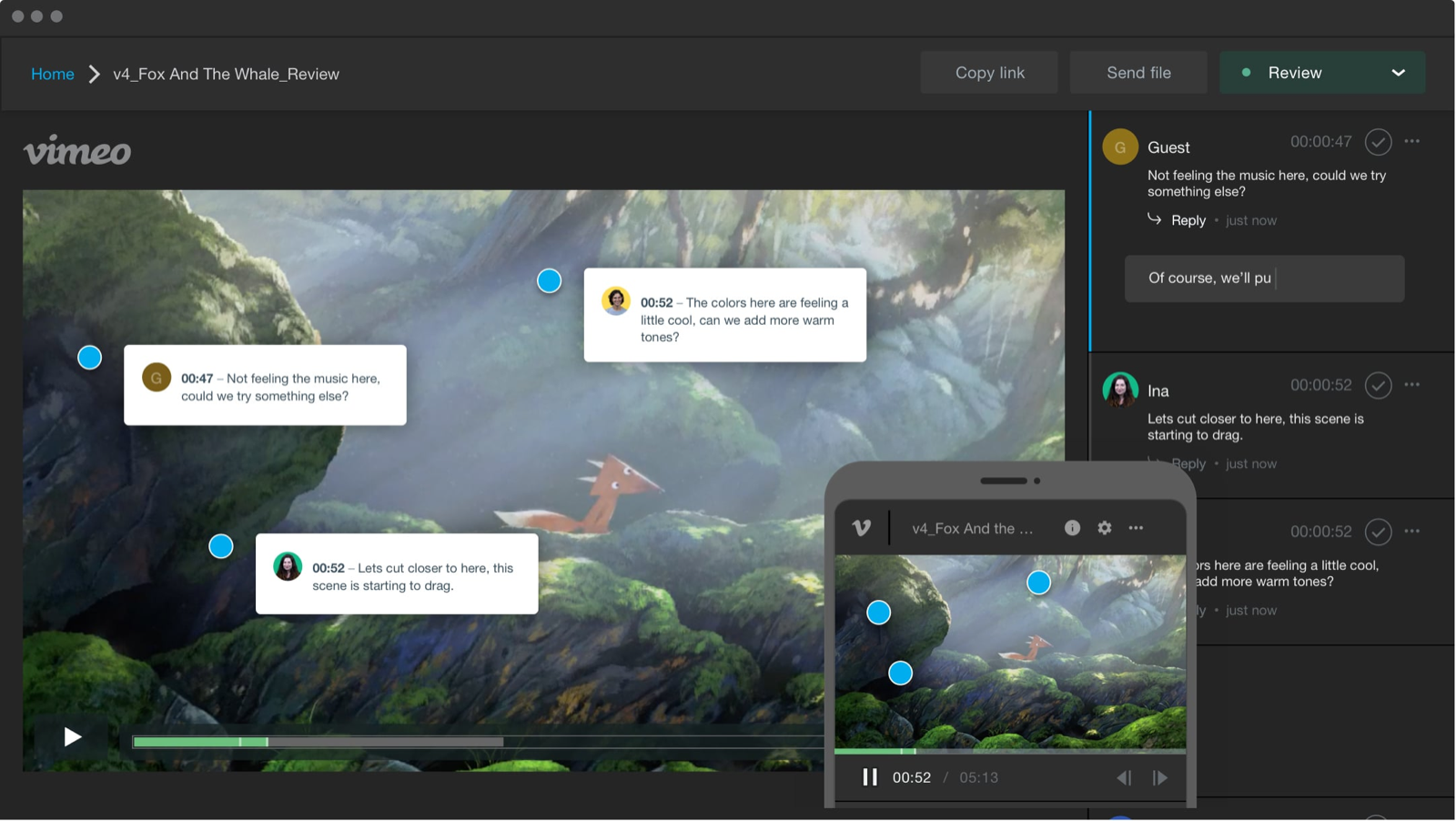
GIFs actually consist of just a few seconds of image without sound, but can say a lot. This is why it is often used on Social Media, such as WhatsApp, Facebook and TikTok. Giphy is a search engine that allows you to find animated GIFs and GIPHY stickers. Additionally, you have the option to create your own GIFs. This will help you gain more reach and engagement on your social media platforms.
Adobe Creative Cloud
Creative Cloud from Adobe Includes the most important Adobe apps. It’s quite expensive, but actually indispensable for marketers. This way you can use Photoshop and Lightroom to (re)edit photos and images to your liking. Illustrator and InDesign, on the other hand, focus primarily on designing publications. This includes web pages, logos, and infographics. Additionally, with Premiere Pro you can easily edit videos. In total, the package consists of more than 20 creative programs.

Stock images
Sometimes it is necessary to use a free or paid stock image for a blog or Social Media post, for example because you do not have your own image material. There are many websites that offer this type of (free) images. Examples of these are Pexels, Shutterstock, Freepik, Unsplash, Pixabay, Adobe Stock and PikWizard. The disadvantage of these types of images is that they are not distinctive and personal.
Do it yourself or outsource?
Do you need help creating valuable (visual) content? We’d be happy to get started for you, from strategy to execution. Contact us Contact Join us and we will be happy to discuss the possibilities.
This blog was written by Lotte van Drunen. She is a Content Marketer at Ganna Agency.